No products in the cart.
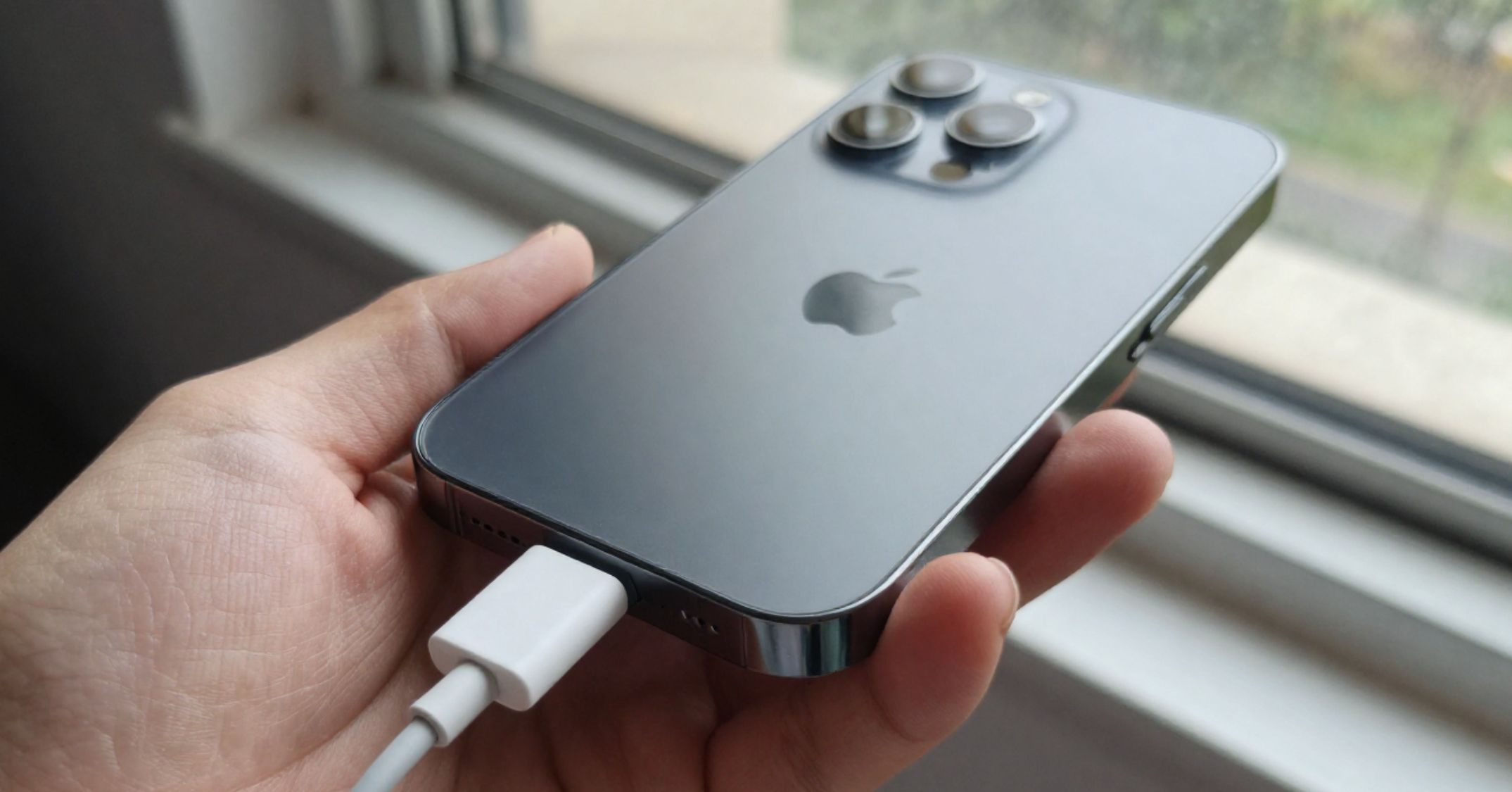
If your iPhone charging port is not working, you are likely dealing with a frustrating interruption to daily use. Many iPhone users in Australia face charging issues caused by lint, worn accessories, or simple software glitches. This guide explains what stops your iPhone from charging and shows practical ways to troubleshoot the problem safely. Follow these steps to get your iPhone charging again and avoid costly repairs. If you need help, reach out today.
Common causes of iPhone charging problems
The iPhone charging port collects debris and affects charging performance over time. Several factors could be due to everyday use and wear.
- Dust and lint build up inside the port and might prevent proper connection
- A faulty charging cable or adapter can stop power flow
- Software glitches in iOS may interrupt charging
- Physical damage such as bent pins inside or corrosion
- Liquid damage or exposure to moisture
These are the most common causes of iPhone charging issues across models like iPhone 6, iPhone 7, iPhone 8, iPhone 13, and even iPhone 15.

How to troubleshoot iPhone charging port issues
The iPhone requires a step by step approach to troubleshoot charging problems effectively. Follow this sequence to isolate the issue.
- Check your charging cable for frays or damage
- Inspect the charging port using a flashlight
- Try a different charging cable or adapter
- Connect to a different outlet or power source
- Restart your device to clear minor glitches
This process helps identify whether the issue might come from the cable or port rather than the iPhone itself. If basic steps fail, explore a full iPhone repair service.
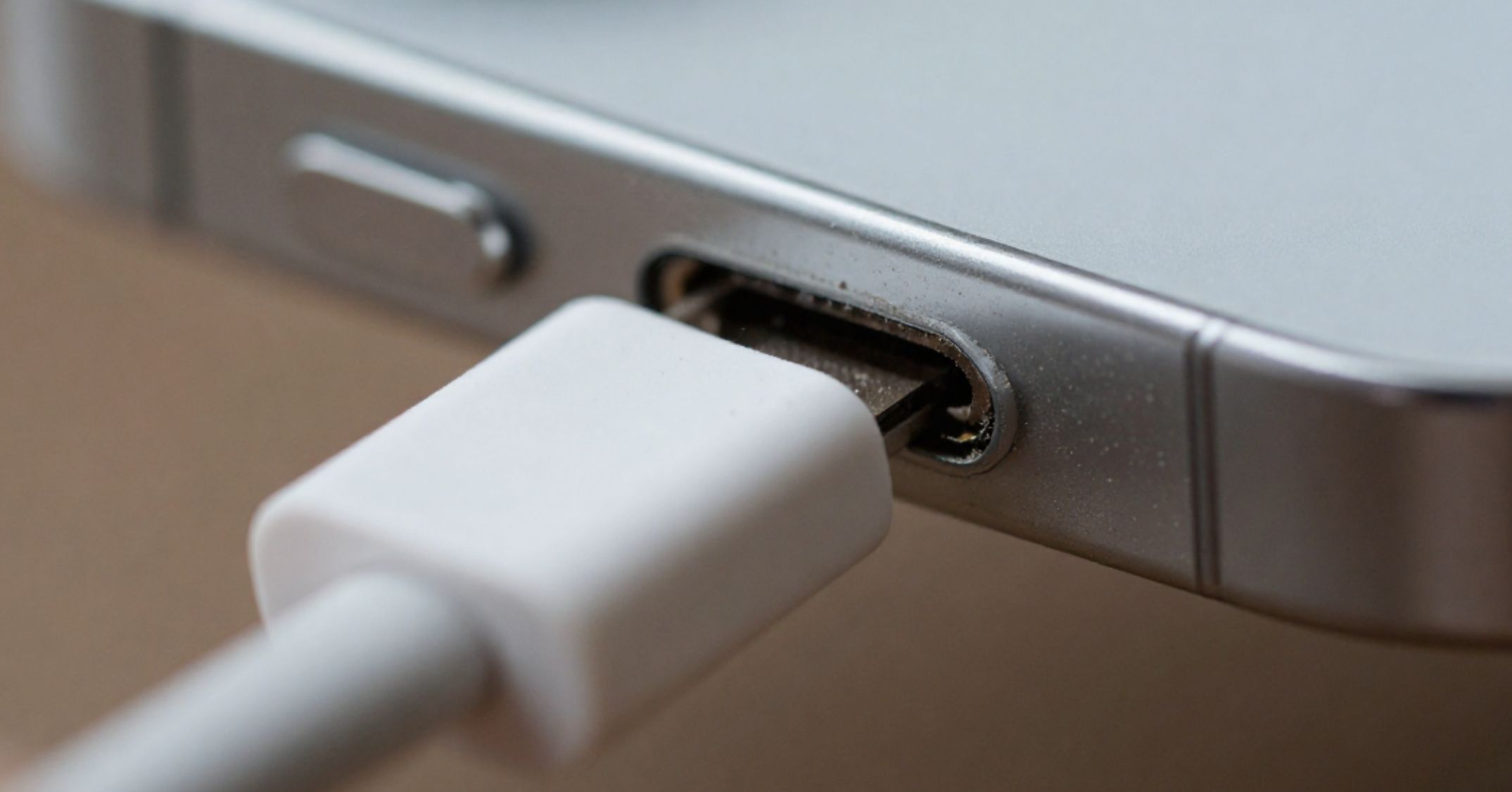
Clean the charging port safely and effectively
The iPhone’s charging port often contains dust and lint that blocks the connection. Cleaning it carefully can restore function.
- Turn off your iPhone before cleaning
- Use a toothpick to gently remove pocket lint
- Use compressed air lightly to clear debris
- Use a flashlight to inspect inside the port
- Avoid metal tools to avoid damage
You may be surprised by the amount of lint that came out after cleaning. This simple fix often resolves port not working problems.

Check your charging cable and adapter
The iPhone depends on a reliable charging cable and adapter to receive power. Faulty accessories are a common reason why your iPhone might not be charging.
- Use a different cable to test connection
- Check for visible signs of wear and tear
- Inspect the USB or usb-c connector for damage
- Ensure the adapter works with another device
Charging problems are often due to a faulty cable rather than the iPhone charging port itself.
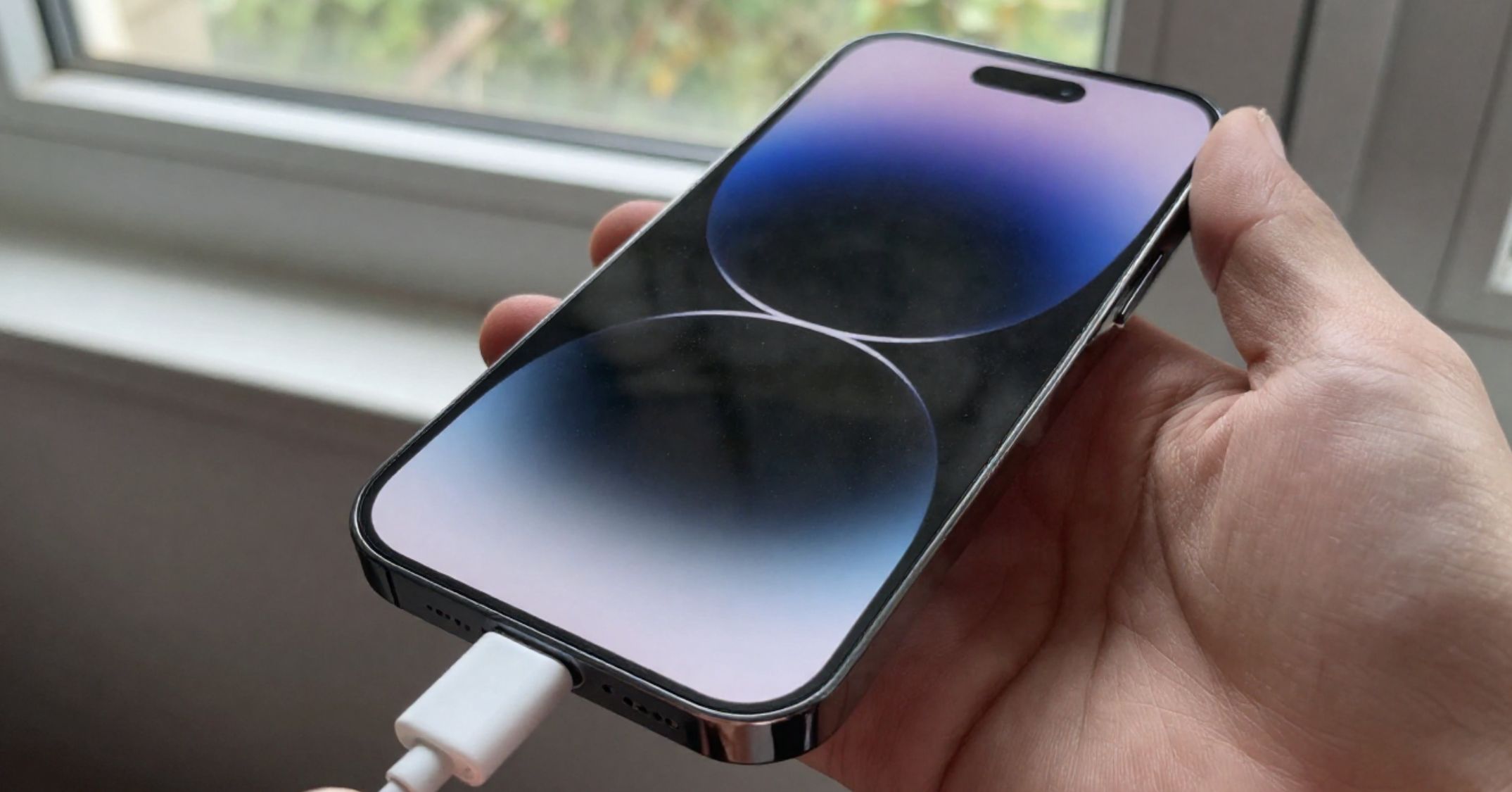
Restart your device to fix charging issues
The iPhone can resolve temporary software glitches with a simple restart. This step refreshes system processes that may block charging.
Press and hold the side button until the Apple logo appears. For iPhone 8 or later, use the volume button combination to force restart. A restart often fixes minor charging issues linked to iOS updates or background processes.
Check for physical damage and port issues
The iPhone may show signs of damage that affect charging performance. A careful inspection helps identify hardware problems early.
- Check for physical damage around the charger port
- Look for pins or corrosion inside the port
- Inspect for misaligned connectors
- Watch for signs of liquid damage
If you notice visible signs or the iPhone stops charging frequently, the issue might require a charging port repair service.
Try different charging methods and power sources
The iPhone supports alternative ways to charge when the port fails. Testing different charging options helps confirm the cause.
- Use a wireless charger for compatible iPhones
- Try wireless charging if the port is blocked
- Plug into a different outlet or power source
- Test with another adapter
Wireless charging is a useful backup when the lightning port or cable or port connection fails.

When to seek professional help
The iPhone requires expert repair when basic troubleshooting does not fix the issue. Professional support prevents further damage.
- If the problem persists after cleaning and testing
- If there is clear physical damage or corrosion
- If the iPhone still won’t charge consistently
- If internal hardware problems are suspected
Visit an Apple Store or contact Apple Support for diagnostics. You can also review repair costs on the iPhone pricing page before booking a service.