No products in the cart.
If you use an Android phone and accidentally delete important photos or videos, there’s still a good chance you can recover photos from phone storage before they’re gone for good. Most Android devices temporarily keep deleted files in a recycle bin or backup folder, giving you a limited window to restore your lost memories. Acting quickly is essential, as new data can overwrite deleted files and make recovery more difficult. Whether you’re trying to recover photos from phone backups, cloud storage, or internal memory, following the right steps can improve your chances of success. If you need expert assistance, Phone Expert can help you recover valuable photos safely and efficiently.
How android handles a deleted photo or video
When you delete a photo or video on an android device, it does not vanish instantly. The system moves deleted files into a recycle bin or a recently deleted folder, where they stay for a limited time before removal.
On most devices, this period is up to 60 days. During this time, the file remains recoverable. After that, the system marks it as permanently deleted and may overwrite the storage space with new data.
Here is what happens behind the scenes:
- Files move from internal memory to a temporary storage area
- The system flags them as inactive but not erased
- New data can overwrite them if space is needed
In practice, this means you should stop using the phone immediately if you plan to try to recover data. Continued use increases the risk that your lost photos will be overwritten.


Recover photos from android phone gallery app
Many android phone brands, including Samsung, offer a built-in gallery app with its own recycle bin. This is separate from google photos and can be another place to find missing photos.
The gallery app stores recently deleted photos and videos temporarily. You can open it and look for a “recently deleted” section to recover a deleted photo quickly.
Common steps include:
- Open the gallery app
- Tap the menu and locate recycle bin
- Select recently deleted photos
- Choose and restore a deleted photo
This is a simple way to recover photos directly on your mobile phone without installing anything new.
Recover permanently deleted photos with recovery tool
If your files are permanently deleted, you may need a data recovery tool. These tools scan the internal memory or sd card to find deleted images that have not yet been overwritten.
A recovery app or desktop recovery tool like ultdata can help you recover lost files. You may need to enable usb debugging and connect your android to a computer to perform a deeper scan.
Key factors that affect success:
- Whether the data has been overwritten
- How quickly you act after you delete files
- Whether the device storage has been heavily used
A quick scenario shows why speed matters. If you delete a photo and keep using your phone for downloads or apps, the system may overwrite that space. Acting early improves your chances of successful photo recovery.
Recover photos from backup or cloud storage
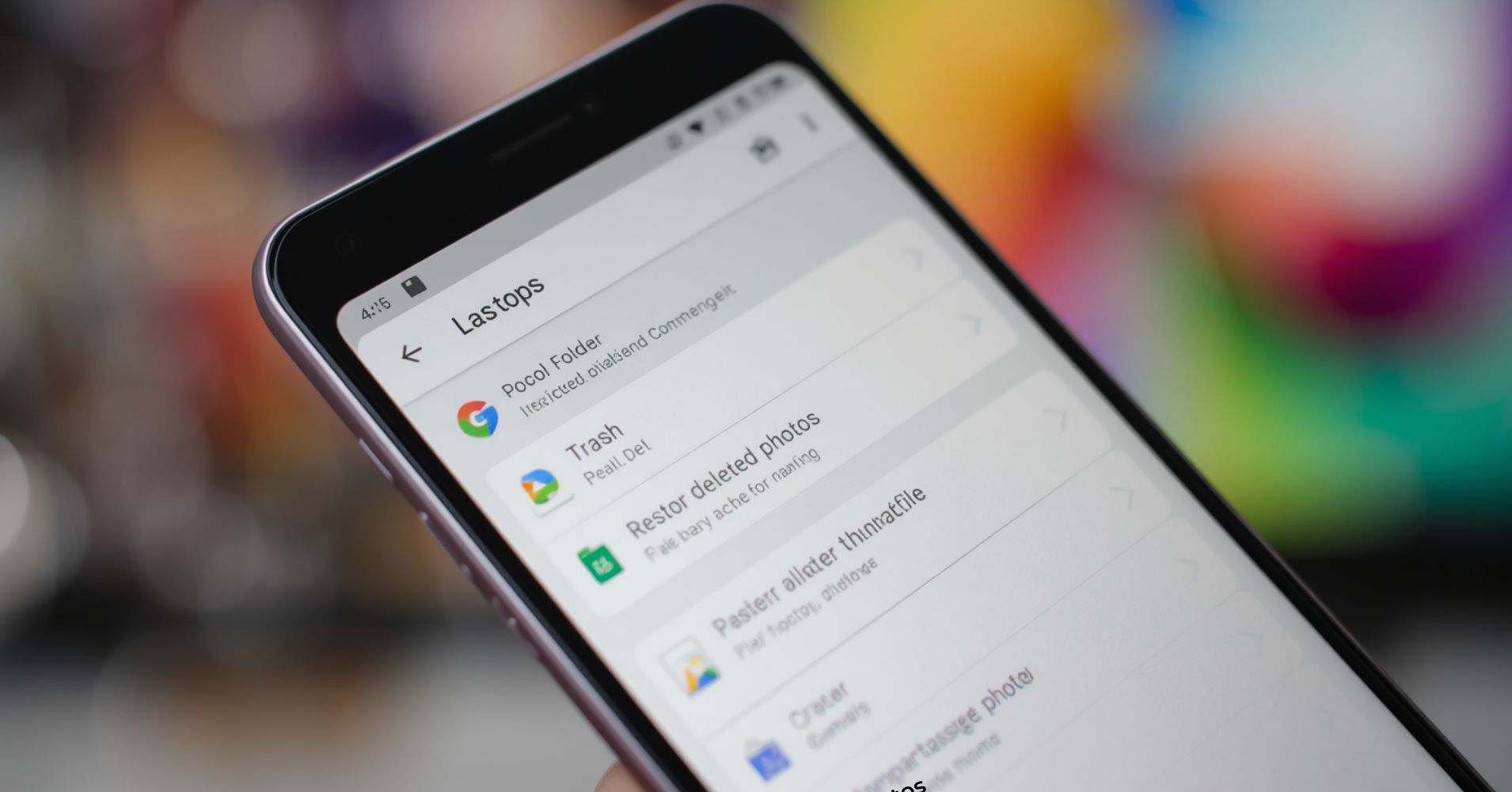
Backup is the most reliable way to restore deleted photos. If you turn on backup in advance, your photos and videos are stored safely even if you delete them from your device.
Using google photos or other cloud storage, you can find and recover files from your google account. This method avoids complex recovery processes and works even if your phone is damaged.
Typical backup sources include:
| Source | What it stores | How to restore |
|---|---|---|
| google photos | photos and videos | restore from bin or library |
| google drive | selected files | download to device |
| device backup | system data | restore during setup |
If you regularly sync your data, you can recover lost photos quickly without needing advanced tools.
What to do if android phone without backup
If you have an android phone without backup, recovery becomes more challenging but still possible. The key is to act fast and minimise further data changes.
Start by stopping all activity on your phone immediately. Then consider using a data recovery app from the play store or a desktop solution to try to recover deleted photos.
Important steps:
- Stop using the phone to avoid overwrite
- Install a trusted data recovery app
- Scan for deleted files
- Save recovered files to a different location
This approach helps recoverable files before they are permanently lost. While results vary, it is often worth trying if your photos are important.
When this may not be the right fit
Some situations limit your ability to recover photos. If your data has been overwritten or your phone storage is heavily used after deletion, recovery chances drop significantly.
You may also struggle if:
- The files were deleted long ago
- No backup or sync was enabled
- The device has physical damage
In these cases, professional data recovery may be your best option.
How to judge if you need this now or later
If you have just accidentally deleted files, act immediately. Early action prevents overwrite and increases recovery success.
If the files were deleted weeks ago, check backup options first. Recovery tools may still help, but results are less predictable.
Ask yourself:
- Did I recently delete a photo or video
- Is backup enabled on my device
- Have I continued using the phone heavily
Your answers will guide the best recovery approach.
Where this connects to phone data recovery services
Recovering photos is part of a broader data recovery process. If your phone has lost data due to damage, software issues, or corruption, a professional service can help recover lost data safely.
At Phone Expert, we help diagnose issues and provide options for recovering photos, whatsapp media, and other important files. We also guide you on how to protect your precious photos with proper backup solutions.