No products in the cart.
Why battery drain happens after update
Android battery drainage often happens after installing the latest version because the device’s battery system is adjusting to the new Android software.- Adaptive Battery relearns usage patterns and background activity rules
- Battery optimization resets after some Samsung’s One UI and Android 15 installs
- Apps might not be fully optimised for the new Android version
- App developers release updates after OS changes to improve compatibility
- Background app refresh, syncing and Google Play indexing consume battery power
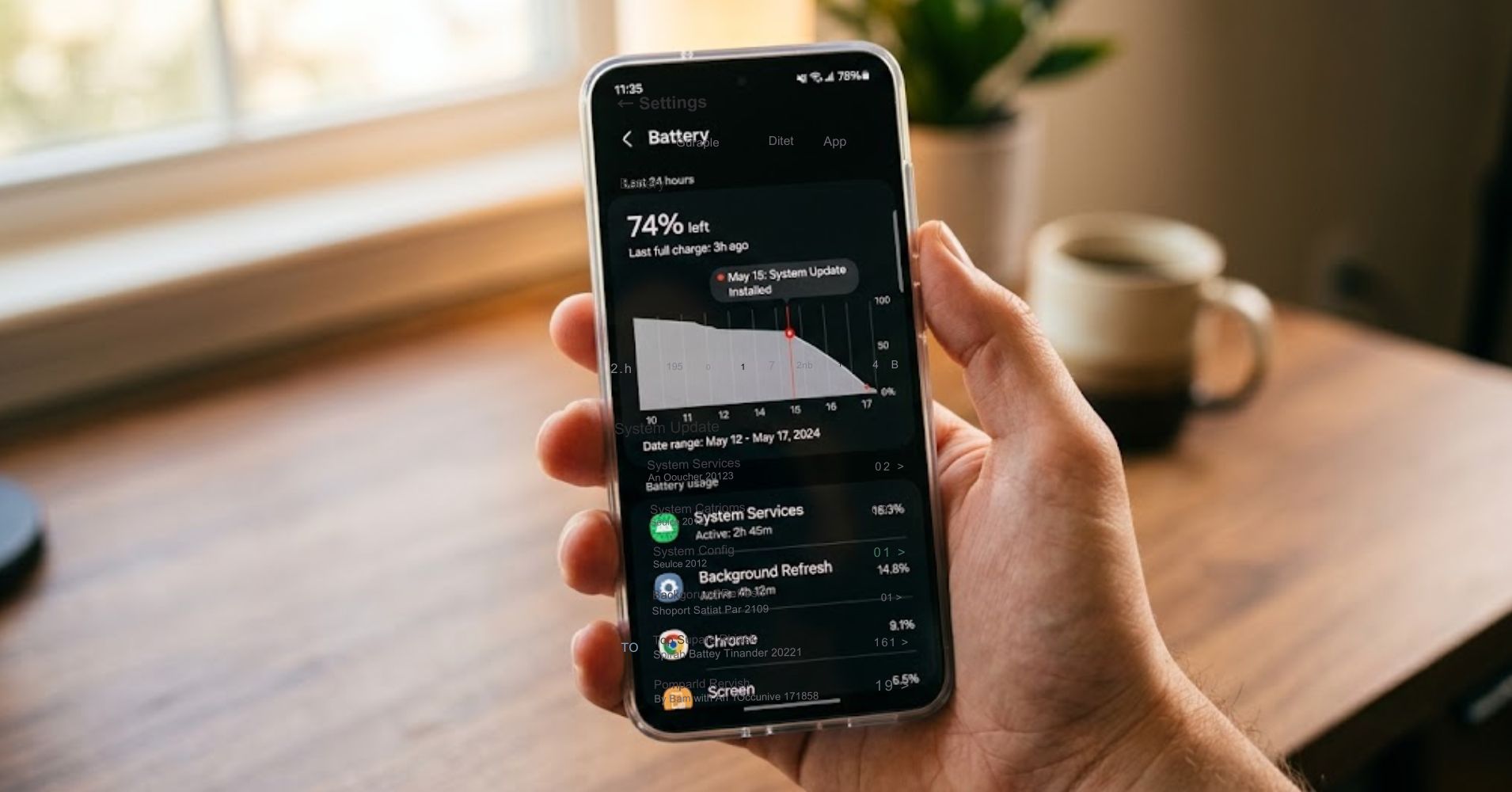
Check battery usage statistics
Battery statistics help you check your battery and decide whether your Android battery is draining normally or if something abnormal is causing battery to drain.- Open Settings
- Tap Battery
- Tap Battery usage
- Review apps that use the most battery power
| Normal after recent update | Potential issues with battery |
|---|---|
| 5 to 10 percent idle battery loss overnight | 15 percent or more idle drainage |
| Google Play briefly appears higher | Google Play remains high for days |
| Battery last improves after reboot cycles | Battery draining rapidly after every reboot |
| Screen time usage matches visible use | Apps that use battery exceed screen timeout activity |

Optimise battery saver and adaptive settings
Battery saver and adaptive controls help save battery while Android recalibrates.
- Use Adaptive Battery and use adaptive settings fully
- Toggle battery saver when battery is draining quickly
- Lower screen brightness
- Reduce screen timeout
- Disable unnecessary location services
- Restart your phone after major update installs
- Use airplane mode briefly if background syncing stalls
These settings optimise how your Android phone manages resource-intensive tasks and help your battery last longer while battery statistics settle.
Samsung users should review Device Care because Samsung’s One UI sometimes resets optimisation preferences after new software installs.
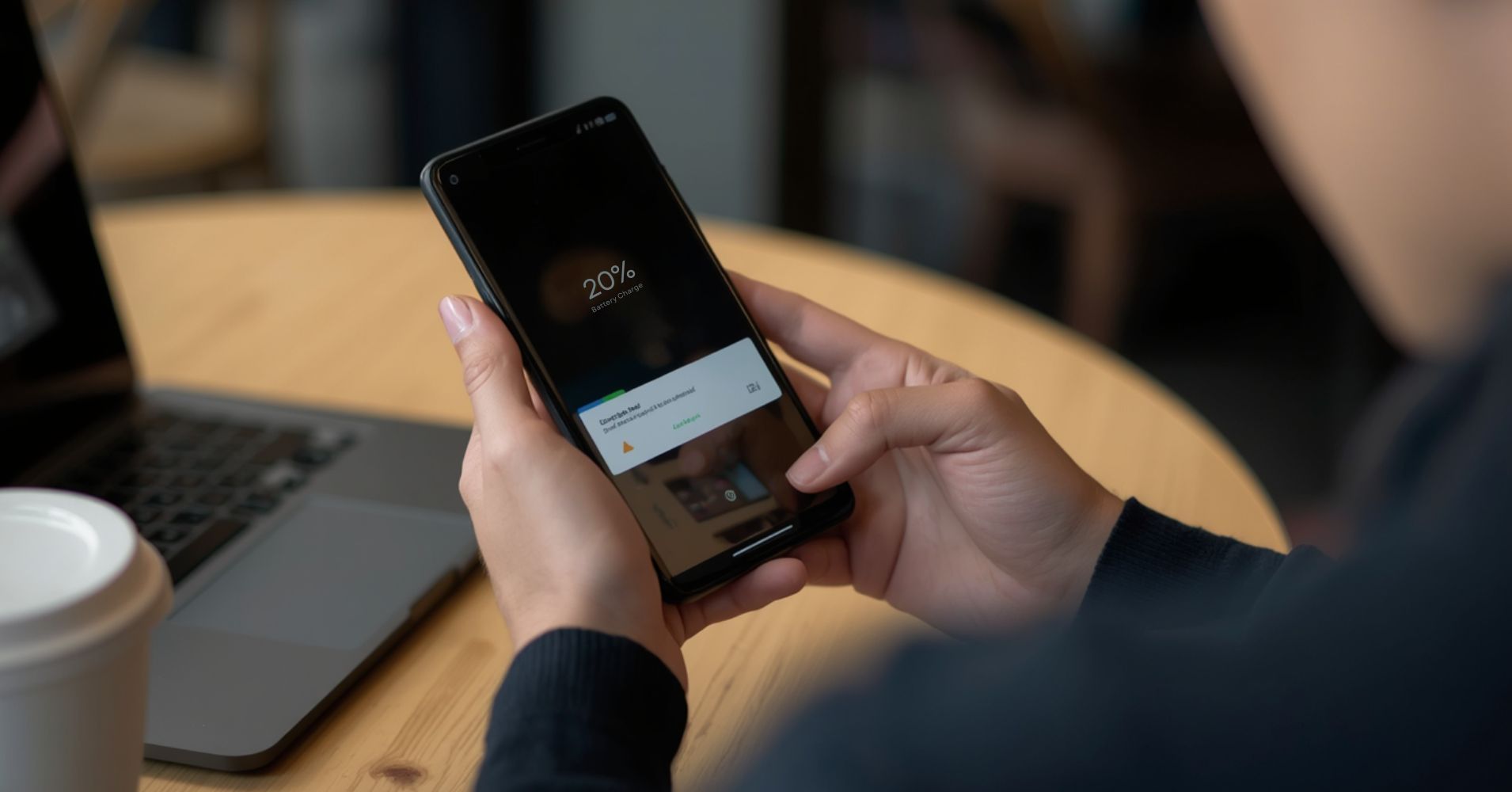
Fix background activity apps
Apps that use battery unexpectedly can keep draining fast if they are not fully optimised for your new Android version.
Safe Mode can confirm compatibility problems. If battery life seems better after reboot into Safe Mode, third-party apps are likely causing battery draining rapidly.
Quick diagnosis checklist
- Restart your phone
- Reboot into Safe Mode
- Clear app cache
- Review apps you use most recently
- Check background app refresh permissions
- Restrict background activity for resource-intensive apps
- Uninstall apps showing unusual battery statistics
This helps separate Adaptive Battery relearning from apps that might not be fully optimized and continue consuming power in the background.
Pixel and Samsung update examples
Google Pixel and Samsung devices often behave differently after a major update.
Pixel 6 phones often process indexing after feature drops. Battery draining quickly during idle is common for a few cycles while Adaptive Battery relearns.
Samsung devices running Samsung’s One UI may reset optimisation settings after a recent update. Device Care can show battery usage may shifts until adaptive behaviour stabilises again.
If your battery last improves after a charger cycle or two, recalibration is likely working. If battery is draining under light use your phone may have battery health decline instead.
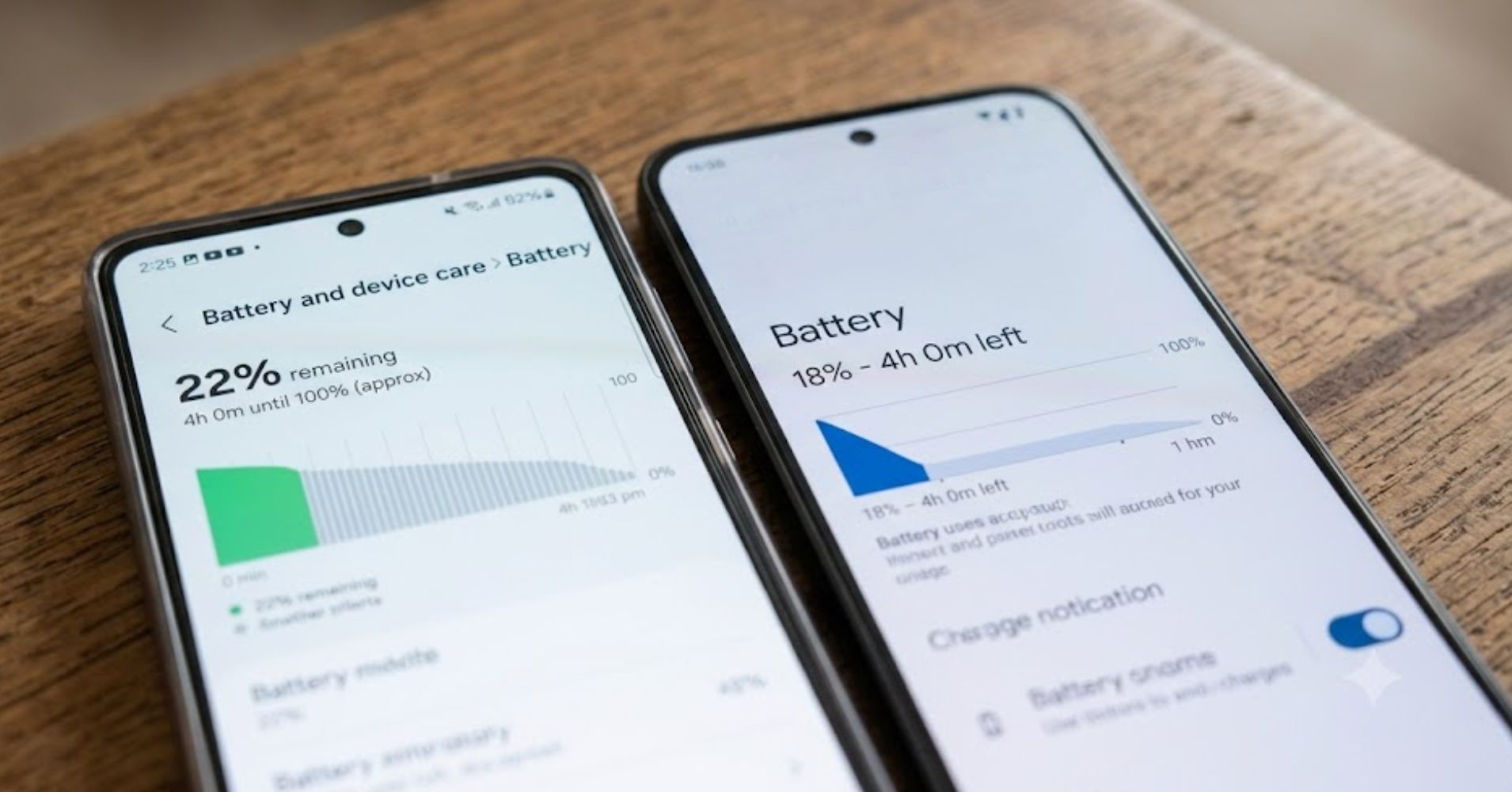
Signs battery health is failing
Battery health decline behaves differently from temporary Android recalibration.
- Battery percentage drops suddenly under load
- The charger reports inconsistent charging
- The phone shuts down unexpectedly
- The phone can overheat even when idle
- Battery draining rapidly continues after optimisation
Professional testing checks battery health percentage, voltage stability and charge retention consistency. This shows whether battery is draining due to software compatibility or hardware wear.
If testing confirms degradation, Phone Expert offers battery replacement services for supported Android smartphones.
Book diagnostic help
If optimisation steps do not help your battery last longer throughout the day, professional battery testing can identify the real cause.
Phone Expert offers in-store battery diagnostics across Queensland locations including Chermside repairs. Testing helps confirm if battery life seems reduced because of software recalibration, app conflicts or genuine battery health decline.
If your battery is draining rapidly after every recent update and troubleshooting has not resolved the issue, contact Phone Expert for testing before replacing parts unnecessarily.