No products in the cart.
Mobile security matters more than ever for Australians who rely on a phone every day for banking, work, and communication. A modern smartphone stores personal data, passwords, and mobile data that cyber criminals actively target. Mobile security 101 is about understanding risk, building safe habits, and applying simple security measures that protect your device long term. If you want practical guidance tailored to real-world usage, the team at Phone Expert can help you protect your phone with confidence.
What mobile security means for everyday device use
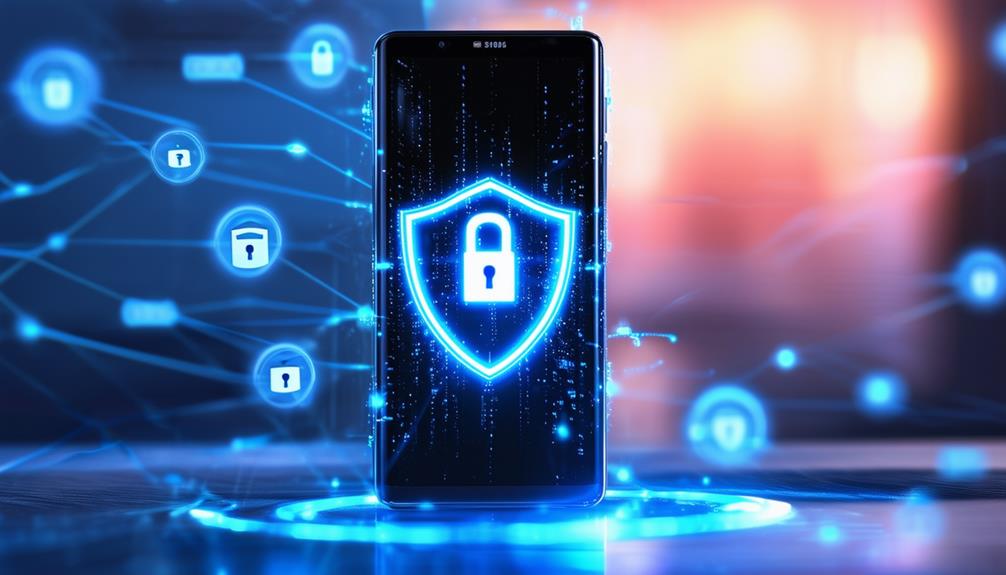
Mobile security refers to the protection of a mobile device, its operating system, and every app installed on it from attack or unauthorised access. In practice, mobile device security combines strong passwords, encryption, authentication, and responsible usage habits to reduce security risks.
A phone is constantly connected to networks, apps, and cloud services, which increases potential security exposure. Each app permission, download, or unsecured connection can introduce a security vulnerability if not managed carefully. This is why mobile security is not a one-time setup but an ongoing security practice.
Key elements of device security include:
- Protecting data with encryption and authentication
- Limiting app access through permission controls
- Keeping the operating system updated with security patches
- Using safe network security habits on wi-fi
The goal is simple: enhance the security of your mobile so personal information stays safe, even if a threat emerges.

Common mobile security threats you should know
Mobile security threats target both android and iphone users through deceptive and technical methods. The most common threat is phishing, where a scam message tricks users into signing in to a fake site or installing a fake app. Mobile malware and virus infections often arrive through unsafe download behaviour.
Another risk involves unsecured public wi-fi. Attackers can intercept mobile data or launch an attack when a device connects to an unsecured network. Third-party app sources also increase potential security flaws compared to using an official app from the app store.
Typical mobile security threats include:
- Phishing messages and scam links
- Mobile malware hidden in apps
- Fake updates or login screens
- Unsecured wi-fi connections
Understanding these threats is an important security habit and a strong first layer of security.
Best practices for mobile device security on Android and iPhone
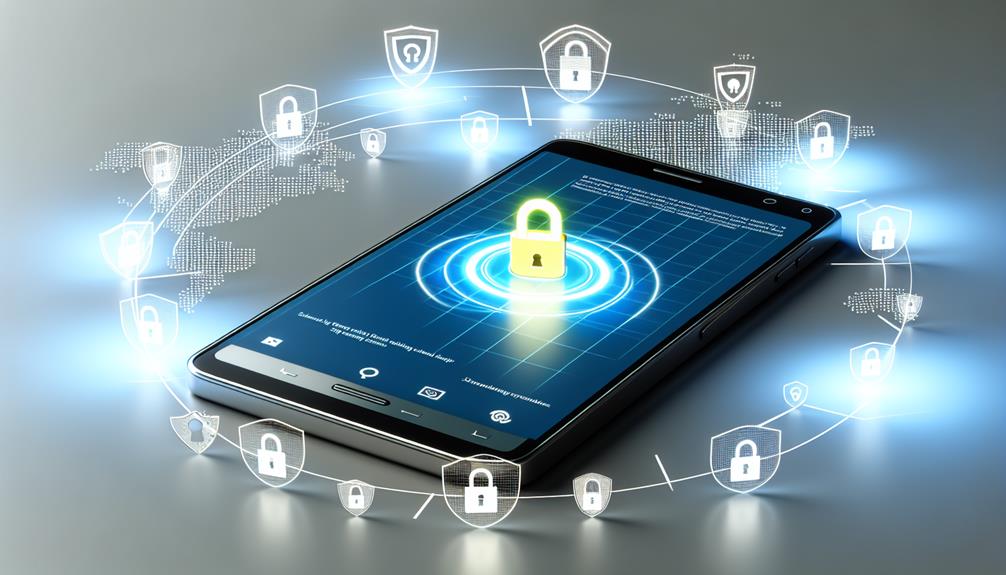
Best practices for mobile device security focus on reducing risk without affecting everyday usage. Start with a strong password and enable two-factor authentication where available. This adds an extra layer of security even if login details are exposed.
For android devices, android security tools such as Google Play Protect help detect mobile malware before it causes damage. iOS and Android both provide built-in security features designed to protect against common cyber security threats.
A best practices for mobile checklist includes:
- Use a unique password and authentication method
- Enable encryption and remote tracking
- Keep the operating system updated
- Lock your smartphone automatically
Following these practices for mobile device security significantly improves the security of your mobile without extra cost.
App security and safe download habits
App security plays a major role in protecting your phone. Always download apps from the app store or app stores like Google Play, as these platforms scan for potential security issues. Avoid a third-party app source unless absolutely necessary.
Before you download apps, review permissions carefully. An app requesting access beyond its function may present a security risk. For example, a torch app should not request contact or message access.
Smart app security habits include:
- Download apps only from trusted sources
- Review permission requests
- Remove apps you no longer use
- Update apps regularly
This simple approach strengthens application security and helps remove hidden security vulnerabilities over time.

Wi-Fi, network security, and safe mobile usage
Network security is often overlooked in mobile security discussions. Public wi-fi is convenient but risky, especially when accessing banking or email accounts. An unsecured network can expose mobile data to interception.
When using public wi-fi, a vpn adds protection by encrypting traffic between your phone and the network. If possible, use mobile data for sensitive activity instead. This small usage change reduces exposure to mobile security threats.
Helpful tips for wi-fi safety:
- Avoid logging into accounts on unsecured networks
- Use a vpn when travelling
- Turn off auto-connect features
This approach protects your phone and supports strong security standards in daily use.

Security software and built-in security features
Security software provides an added defense layer against malware, phishing, and suspicious apps. A reputable antivirus or mobile security app can detect unusual behaviour and alert users early.
Built-in security features on ios and android devices include remote tracking, wipe functions, and device encryption. These tools protect your phone if it is lost or stolen and help remove data remotely if needed.
A comprehensive mobile protection setup often includes:
- Antivirus or mobile security software
- Remote locate and wipe capability
- Automatic security updates
Used together, these features create strong security without affecting performance.
What to do if your phone is lost or stolen
If a phone is lost or stolen, act quickly to protect data. Use remote tools to locate or wipe the device and change account passwords immediately. This prevents unauthorised access and reduces security of your mobile exposure.
Contact your provider to block the SIM and monitor accounts for unusual activity. This response plan is an important security recommendation and limits long-term damage.
Steps to take include:
- Activate remote lock or wipe
- Change passwords
- Report the loss
Preparation is key to protecting your mobile devices in these situations.