No products in the cart.
A good phone camera is not just about big numbers or flashy ads. This guide explains what actually affects image quality, how smartphone photography works in real life, and how to get better mobile photos with simple habits and smarter settings. If you want clearer buying advice and better everyday shots, this is worth your time.
What makes a phone camera good
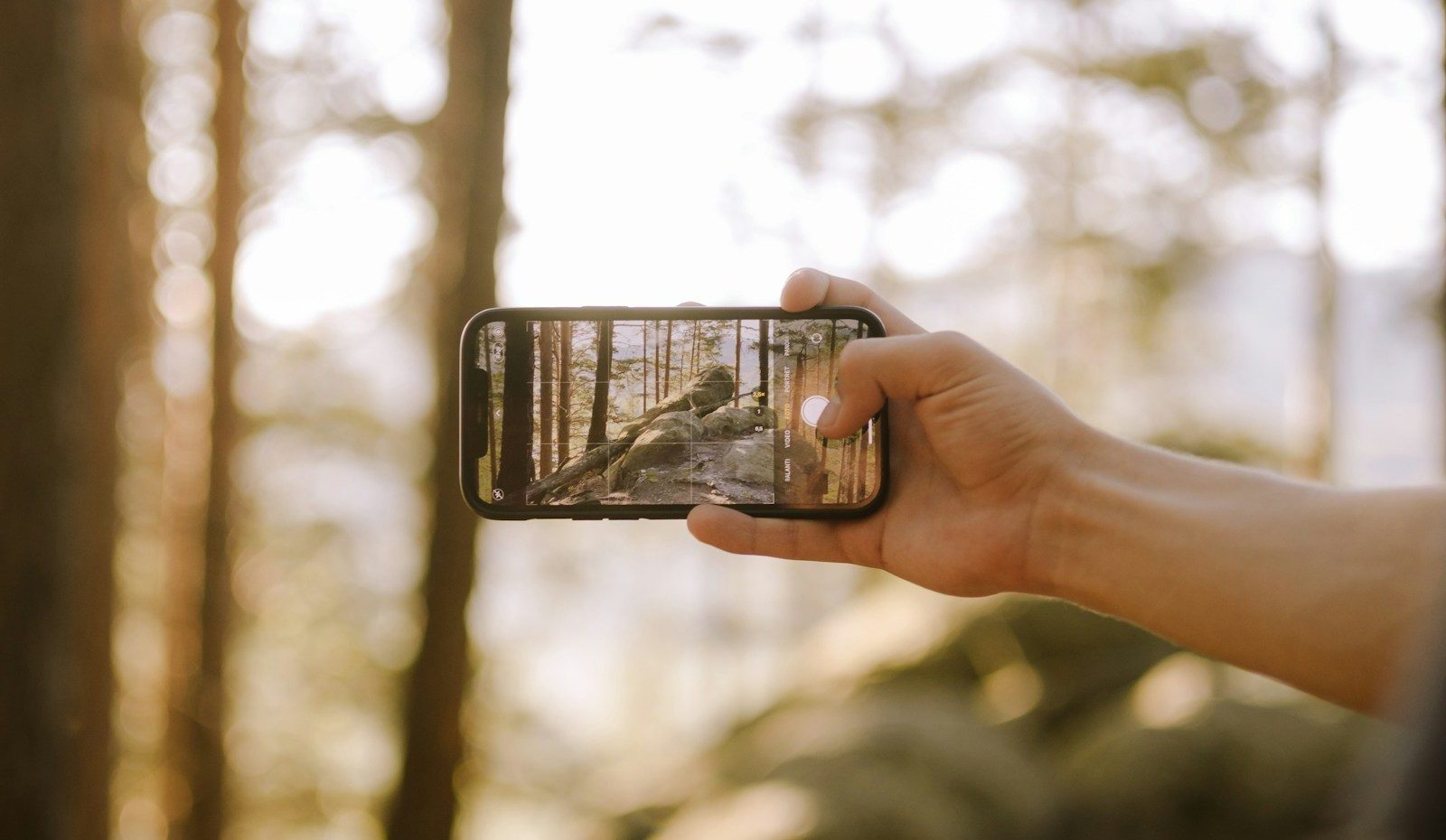
A good camera phone makes it easy to get sharp, balanced, natural-looking images in normal daily use. The best photos usually come from a strong main camera, reliable image processing, a capable sensor, and a lens that handles light well.
For most people, consistency matters more than a single standout shot. A great camera should focus quickly, expose faces well, control bright skies and dark shadows, and deliver solid results straight out of the camera without a lot of editing.
How does smartphone photography actually work
Smartphone photography is a mix of hardware and software. The lens directs light, the sensor captures it, and the phone’s camera software processes that data into the final image you see.
This is why two smartphones with similar specs can produce very different results. One phone might boost contrast and sharpness for punchier social photos, while another aims for more natural colour and smoother tonal detail. That processing can matter as much as the camera hardware itself.

Do more megapixels mean better photos
Not on their own. Megapixel count tells you how many pixels are in the image, which can help with cropping and large prints, but it does not automatically guarantee better image quality.
A smaller sensor packed with more pixels can still struggle in low-light scenes, because each pixel may collect less light. In everyday photography, a well-tuned sensor, better processing, and a sharper lens often beat a higher megapixel number used as a marketing shortcut.
Which lens matters most on a camera phone
The main camera matters most because it is usually the strongest part of the camera system. It often has the best sensor, the best light gathering, and the most reliable overall camera performance.
An ultra-wide camera is useful for travel, interiors, and group shots, but it often sacrifices some sharpness and low-light quality. A telephoto lens helps with portraits and distant subjects, especially when it uses true optical reach rather than cropping from the main camera.
- Main camera works best for everyday shots, family photos, food, and general use
- Ultra-wide camera suits landscapes, tight spaces, and large scenes
- Telephoto camera helps with portraits, details, and subjects that are farther away
What should you know about zoom
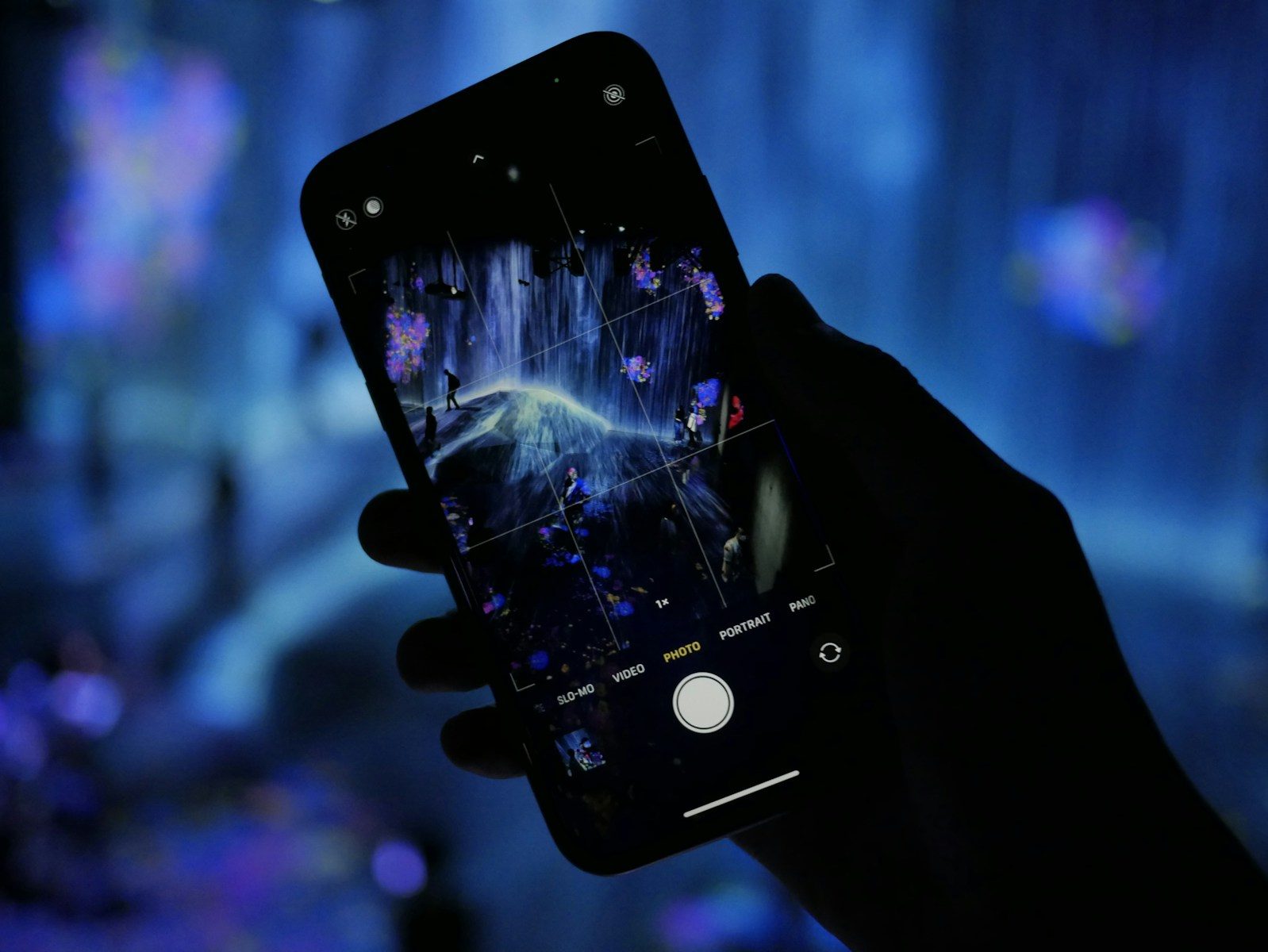
Zoom on a smartphone can mean two very different things. Optical zoom uses a telephoto lens to get closer with less quality loss, while digital zoom crops the image and relies on software to fill in the gaps.
Digital zoom can look fine in good light at modest levels, but it breaks down quickly when you push it too far. If zoom matters to you, look beyond the headline number and ask how much of that reach comes from actual lens hardware, not just software cropping.
Why do some phones struggle in low light and portraits
Low-light photography is demanding because the phone needs more time or more processing to collect enough light. If the sensor is small, the lens is dim, or your hands move, the result can be blur, noise, or heavy smoothing.
Portrait mode can also fail when the phone misreads edges around hair, glasses, or busy backgrounds. The effect may look artificial if the blur is too aggressive. In many cases, stepping into better light and using the main camera gives more natural portrait results than forcing a telephoto camera indoors.

Which camera app settings are worth using
You do not need to master every menu to take good photos. A few camera settings make a bigger difference than the rest, especially if you want better photos quickly.
Tap to focus, adjust exposure if the image looks too bright or dark, and use the grid to keep horizons straight. Night mode can help in dim scenes, but hold steady. Portrait mode is useful when the subject stands apart from the background. If your phone offers a high-efficiency or full-resolution option, only use it when you genuinely need extra detail.
| Setting | Why it matters |
|---|---|
| Tap to focus | Helps the phone lock on the subject you actually care about |
| Exposure adjustment | Prevents blown highlights and muddy faces |
| Grid lines | Makes framing and straight horizons easier |
| Night mode | Improves low-light detail if you hold the phone steady |
How can you take good photos with any smartphone
Better smartphone photography usually comes from technique before gear. Clean the lens first, because fingerprints reduce contrast and make a capable camera look soft and hazy.
Then slow down for a second. Hold the phone steady, tap on the subject, and move your feet instead of relying on digital zoom. Look for clean light from a window, open shade, or soft morning sun. Those small habits improve mobile photos more than chasing every new camera feature.
A simple rule works well for most casual users. Use the main camera first, avoid mixing bright backlight with dark faces, and take two or three frames when the moment matters. That tiny bit of extra effort lifts your results fast.
How do you choose the best camera phone for your needs
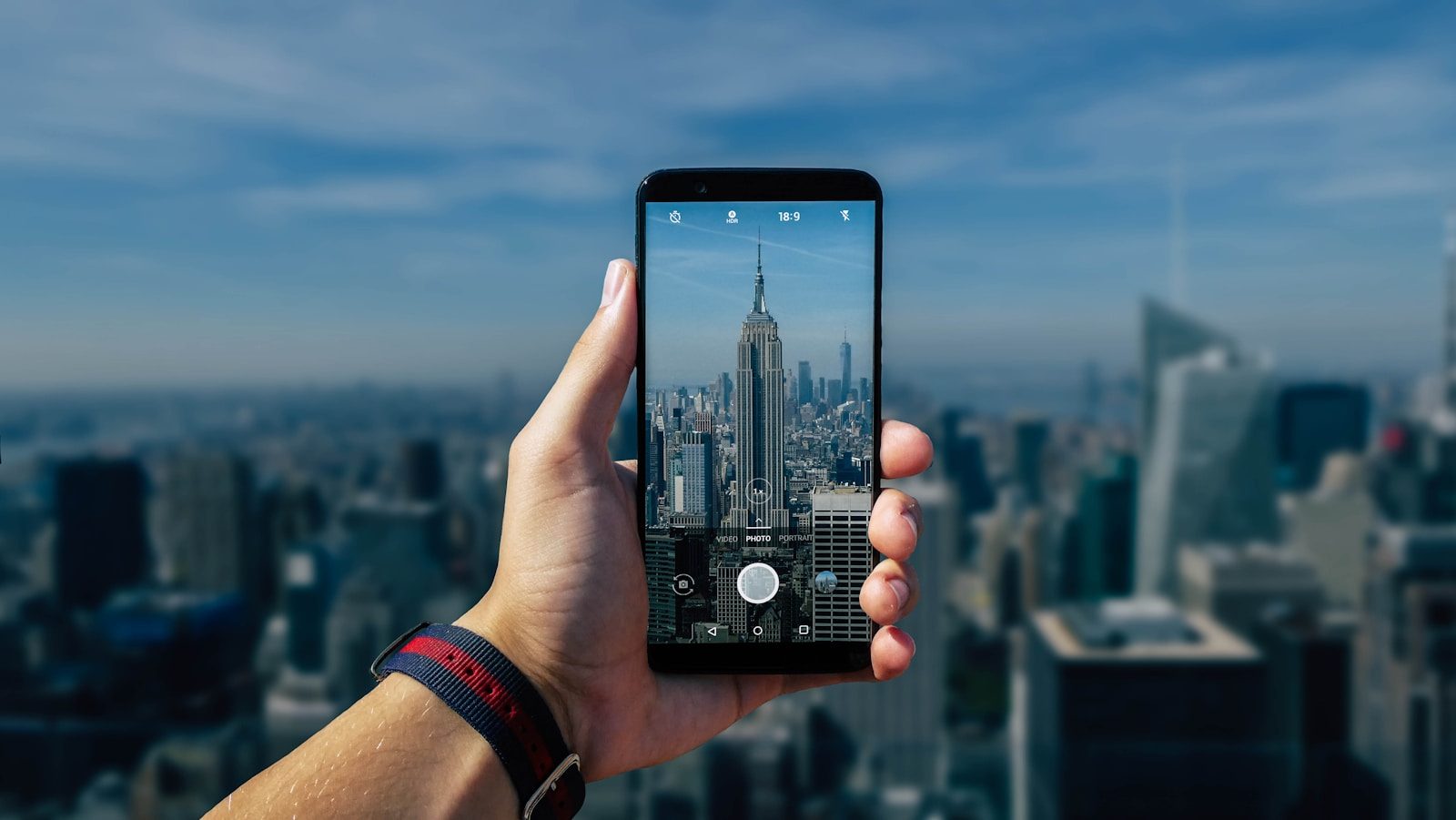
Picking the best camera phone depends on what you actually photograph. A parent shooting family moments may value speed and reliable skin tones. A traveller may care more about an ultra-wide camera and useful zoom. A hobbyist may want more manual control and stronger editing files.
Do not choose based on one flashy spec. Think about the main camera first, then ask whether the extra lenses are genuinely useful to you. If you often shoot at night, in restaurants, or indoors, a stronger main camera and better low-light processing will usually matter more than a huge zoom claim.
- Prioritise the main camera over the longest feature list
- Check whether zoom is optical or mostly digital zoom
- Think about your usual scenes, not just rare travel moments
- Choose a phone size you will actually carry and use comfortably
- Remember that every smartphone is a compromise between size, cost, and camera system design
What common mistakes and marketing claims should you ignore
The biggest mistake is assuming bigger numbers always mean better photos. More megapixels, more lenses, and bigger zoom figures do not automatically create a better camera phone for normal use.
Another common trap is judging a phone only by bright, over-processed demo shots. Strong sharpening, boosted colour, and aggressive HDR can look impressive at first glance, but they may hide weak texture, odd skin tones, or unrealistic contrast. Even the best camera phones for photography still depend on light, subject movement, and your photography skills.
When does a DSLR or mirrorless camera still make more sense
A smartphone is excellent for convenience, quick sharing, and everyday photography and video. It is the camera you always have, and that matters a lot. For casual use, it can produce great photos with very little effort.
A DSLR or mirrorless camera still makes more sense when you need stronger subject separation, better action performance, long telephoto reach, more control over lenses, or more dependable results in tough light. Product photography, fast sport, wildlife, and serious creative work still favour a dedicated digital camera over even an impressive smartphone camera.