No products in the cart.
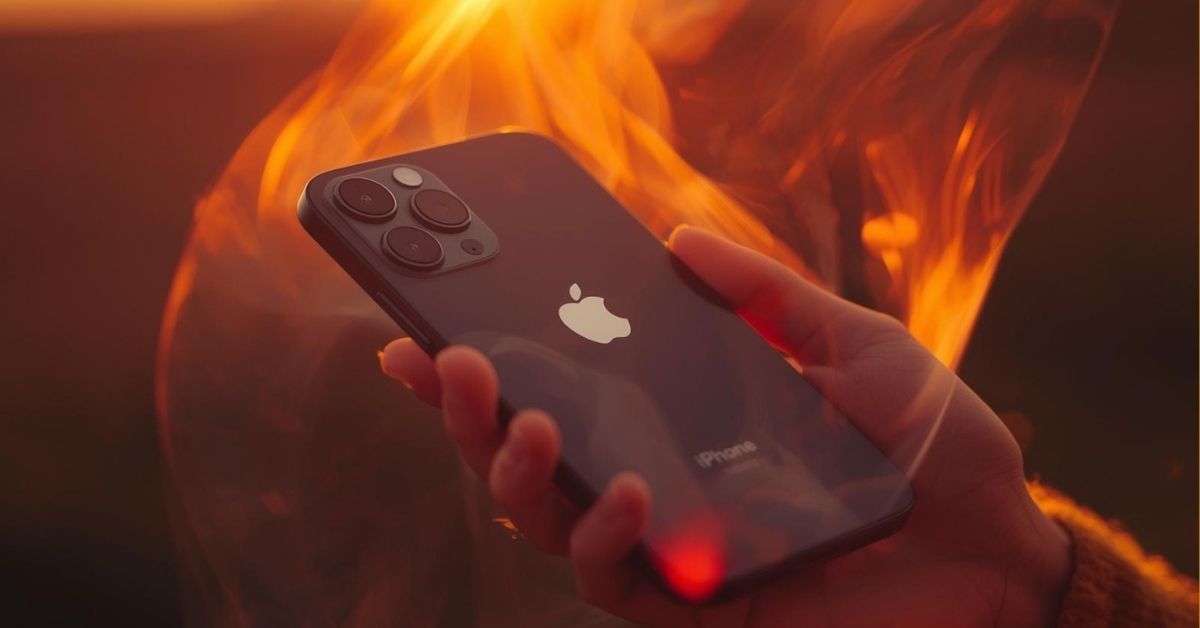
Many people notice their iPhone getting warm during everyday use, but sometimes the temperature rises enough to cause concern. Your iPhone relies on powerful hardware and advanced software, and both can generate heat while the device works. When an iPhone is pushed too hard or exposed to extreme conditions, it can overheat and slow down.
An iPhone processes large amounts of data every second, and the cpu generates heat while running apps and background tasks. Apple designs iPhones to operate safely within a specific temperature range, but heavy use or environmental factors can push the phone beyond that limit. If your iPhone has started overheating or feels hot for no apparent reason, understanding the causes is the first step toward fixing the problem. If the issue persists, professional diagnostics from Phone Expert can help.
Why an iPhone may overheat in everyday use
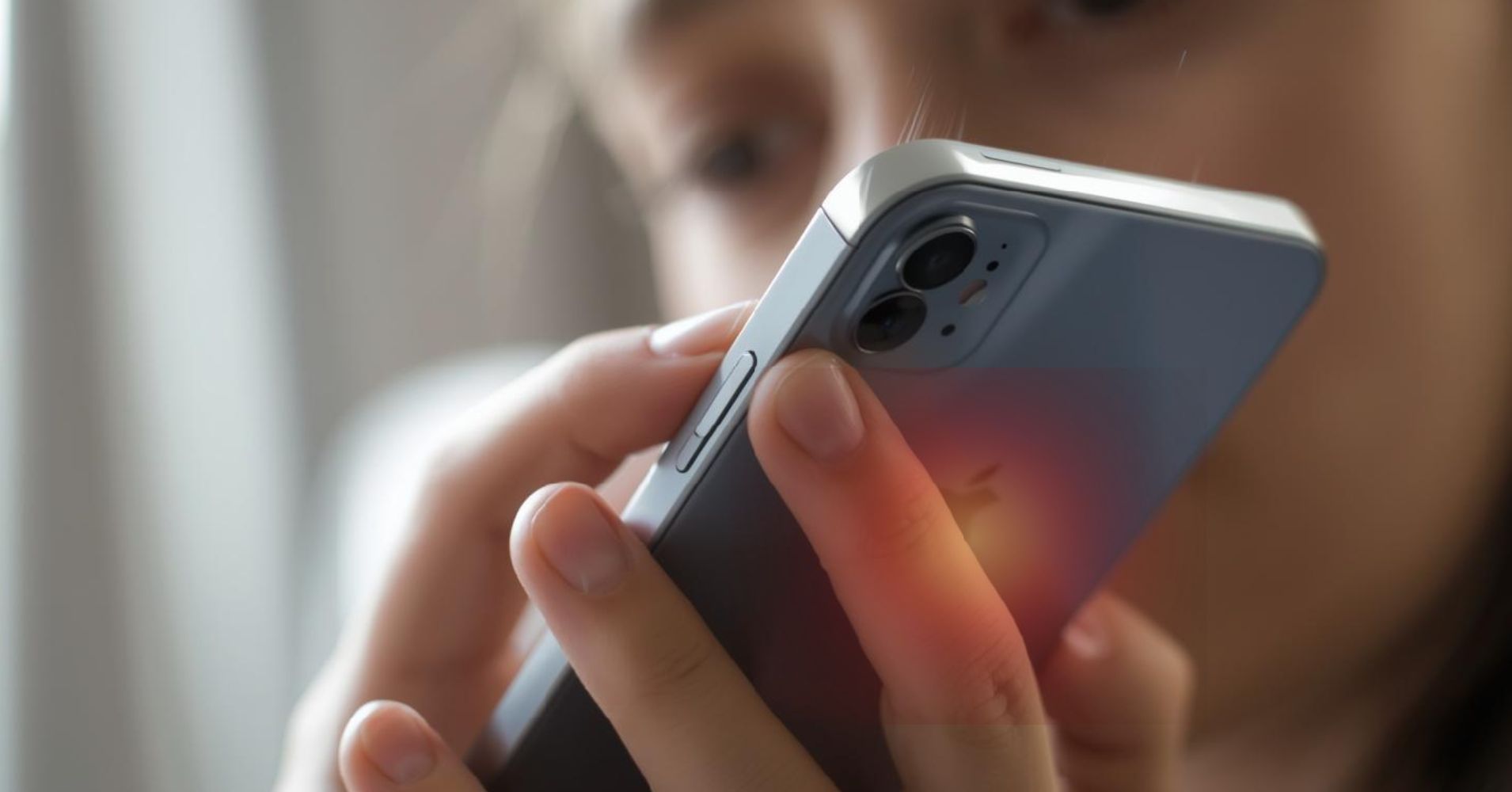
Most cases of an iPhone that starts to overheat are related to normal usage patterns and system activity. When an iPhone performs demanding tasks, its internal components produce heat as part of the process.
An iPhone uses a lot of processing power when running several tasks at once. For example, streaming video, updating apps, and syncing data at the same time can cause your iPhone to work harder. This strain on the cpu and iPhone’s resources may cause your device to turn warmer than usual.
Environmental factors also matter. If your phone gets warmer while using your iPhone outside on a hot day, the ambient temperature may already be close to the device’s operating range. When conditions exceed this range, the phone may struggle to release heat efficiently.
Common everyday reasons an iPhone may overheat include:
- Running several apps at the same time
- Using graphics-intensive games for an extended period
- Exposure to direct sunlight
- Background processes like background app refresh
- Poor ventilation from a tight phone case
In most situations, the device will return to normal once activity decreases or the device needs to cool.

Apps and settings that can make an iPhone overheat
Some apps place heavier demands on your iPhone than others. Applications that process video, graphics, or navigation data can quickly push an iPhone toward higher temperatures.
An app like a 3D game or augmented reality tool uses a lot of processing power and graphics resources. When you open an app that relies on continuous data processing, the phone may begin getting hot faster than usual. If certain apps run in the background, they may also consume power without you noticing.
Another factor is system services. Location services and background app refresh allow apps to update even when they are not visible. While useful, these features can increase workload and contribute to overheating iPhone behaviour during long sessions.
Here are a few settings worth checking:
| Setting | How it affects temperature |
|---|---|
| Background app refresh | Keeps apps active in the background |
| Location services | Continuously tracks movement |
| Graphics-heavy apps | Increase cpu usage |
| Wireless charging | Generates extra heat during charging |
If your iPhone is getting warmer during daily use, closing unused apps or reducing certain settings can help. Sometimes simply choosing to close apps that are not needed will ease the load on the system.
Environmental reasons an iPhone gets too hot
Temperature around the device plays a major role in how well it performs. Apple recommends that iPhones operate within specific operating temperatures to maintain performance and safety.
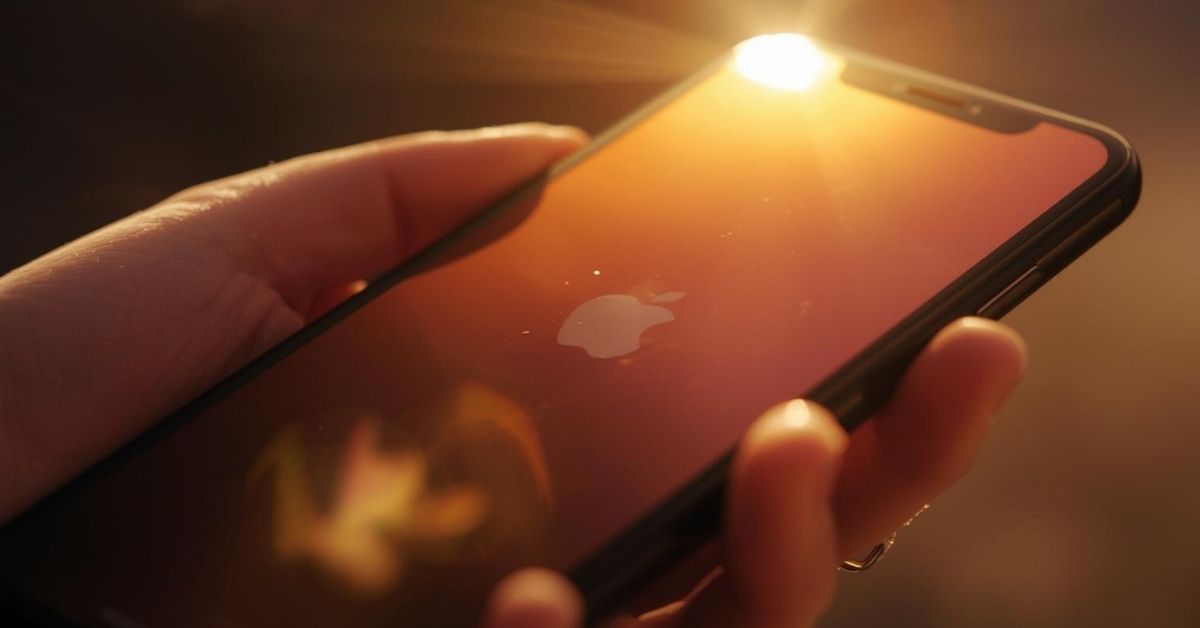
Leaving an iPhone in direct sunlight for an extended time can quickly raise the internal temperature. Even something as simple as leaving your iPhone in direct sunlight while sitting on a car dashboard can push the phone beyond its normal limits. Exposure to heat makes it harder for the device to release warmth generated by its internal components.
For example, a hot day where temperatures reach 35ºc or 95ºf can easily cause a phone to warm up during normal use. If the ambient temperature rises above the recommended operating range, the phone may show a temperature warning.
Situations that commonly lead to overheating include:
- Leaving an iPhone in direct sunlight for an extended period
- Using the camera outdoors on a very hot day
- Wireless charging while gaming
- Running navigation while mounted on a dashboard
If the device displays a temperature warning, it usually means the system has detected that the iPhone’s battery or processor is getting too warm. Moving the device somewhere cool often helps it stabilise quickly.

Hardware problems that cause iPhone overheating
While software and environmental factors are common, hardware issues can also cause overheating. A damaged battery or ageing components may struggle to regulate power efficiently.
A damaged battery can generate excess heat while charging or during heavy use. Over time, an iPhone’s battery may degrade, reducing its ability to distribute energy evenly across the system. When this happens, the phone’s performance may drop and temperatures may increase.
Another possible cause is a software problem that interacts poorly with hardware. If your iPhone 12 or iPhone 15 suddenly started overheating after a system change, a buggy process might be pushing the cpu to run continuously.
Warning signs that hardware may be involved include:
- The iPhone keeps heating even when idle
- The phone gets unusually warm during charging with a charger
- The issue began after the battery health declined significantly
- The device shuts down unexpectedly after overheating
If these symptoms appear, a repair technician can inspect the phone’s battery and other internal components to determine the cause.
Practical ways to cool an iPhone quickly
When your iPhone is overheating, the goal is to reduce stress on the system and allow the device to cool naturally. Quick actions can often bring the phone back to a normal temperature.
First, stop demanding tasks. If you are using the app that triggered the problem, close apps and give the device a short break. Reducing workload allows the processor to slow down and release stored heat.
Next, check your surroundings. If your iPhone is getting hot outdoors, move it somewhere cool and avoid direct sunlight. Removing a thick phone case can also improve airflow and help the phone release heat faster.
Steps that help the phone cool safely:
- Stop using graphics-heavy apps
- Turn off location services temporarily
- Remove the phone case
- Move the device out of direct sunlight
- Allow the device to rest for an extended period of time
These steps usually allow the phone to return to normal conditions within minutes.
How to prevent iPhone overheating in the future
Preventing an iPhone overheating issue often comes down to smart usage habits and routine maintenance. Keeping software and settings optimised can significantly reduce the risk of overheating.
Regular software updates play a major role in system stability. Apple releases ios updates to improve performance and fix bugs that may cause overheating or excessive battery drain. Installing these software updates ensures your device runs the latest optimisations.
Storage space also matters. If iPhone storage becomes full, the system may struggle to manage data efficiently. Clearing unused files and apps allows the operating system to work more smoothly.
Helpful habits that prevent overheating include:
- Installing the latest ios updates
- Limiting heavy gaming sessions on hot days
- Monitoring battery health regularly
- Avoiding leaving the phone in direct sunlight
- Reducing background processes and unused apps
In most cases, these adjustments will prevent overheating and keep your device operating smoothly.
Why does my iPhone get hot out of nowhere
Sometimes an iPhone may become hot out of nowhere because a background process suddenly begins using a lot of processing power. System updates, syncing services, or certain apps may briefly use the cpu heavily. Once the task finishes, the temperature usually drops and performance stabilises.
Can a phone case cause overheating
Yes, a thick or poorly ventilated phone case can trap heat around the phone’s body. While cases protect the device, some materials limit airflow and make it harder for heat to escape. Removing the case temporarily can help if your iPhone feels warmer than usual.
Is gaming bad for an iPhone’s temperature
Gaming itself is not harmful, but graphics-intensive games require significant cpu and gpu resources. Playing for an extended period may push the device toward its upper operating temperatures. Taking short breaks allows the system to cool and maintain performance.
When should I contact Apple Support or a repair specialist
If your iPhone is overheating frequently, shutting down, or showing repeated temperature warnings, professional assistance may be necessary. Apple Support can help diagnose software issues, while a technician can inspect the battery or hardware if the problem won’t fix itself.