No products in the cart.
If your phone has met water, panic is natural, but quick, calm action matters. Whether you dropped your mobile in a sink or the rain caught you out, moisture can creep into the charging port, speaker, and internal parts. Two facts help straight away: powering off reduces damage, and gentle drying beats heat. This guide from Phone Expert explains practical steps locals use to get water out of phone hardware and avoid common mistakes. Ready to save your device? If the issue persists, professional help is available via our water damage repairs service.
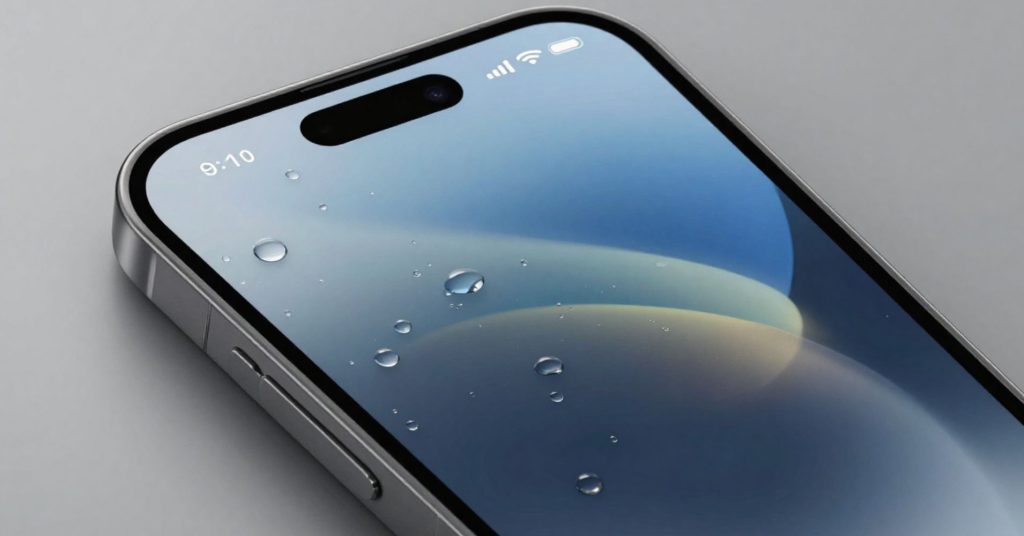
What to do first when your phone gets wet
Turning the device off immediately and drying the exterior lowers the risk of water damage spreading to internal components.
When a phone gets wet, every minute counts. Power it down, unplug accessories, and remove the phone case. Use a soft cloth or dry cloth to gently wipe the outside, paying attention to seams. If the phone has a removable battery, remove the battery carefully. Next, remove the sim card by opening the sim tray and take out the sim card to prevent corrosion. Avoid shaking; a droplet can travel deeper and worsen a waterlogged phone.
Set the device on a dry surface in a dry place with good airflow. Turn the phone so openings face down to allow excess water to escape. This simple gravity step helps remove water without pushing it further inside.
Quick checklist
- Power off immediately
- Remove accessories and sim
- Wipe with cloth or paper towel
- Place on a flat, ventilated area
Does turning it off really help?
Yes. Powering down reduces the chance of short circuits while moisture is present.

How to remove water from the charging port and speaker
Using gravity, airflow, and sound can help eject trapped moisture from openings.
Moisture often hides in the charging port or port, causing alerts when you try charging. Place the device with the charging port facing down. Allow airflow to do the work for least 30 minutes before touching it again. For audio openings, a water eject method that plays a specific sound uses sound waves to push water outward. This approach can eject water from the phone speaker without tools.
If you use this technique, keep volume moderate and stop once sound clears. Never insert objects into the charging port or headphone jack; that increases damage. When done, leave your phone resting to let excess water evaporate. If sound or charging issues remain, a professional inspection via our phone repair service is recommended.
Where water hides
| Area | Why it traps moisture |
|---|---|
| Charging port | Tight contacts hold liquid |
| Speaker grille | Fine mesh slows drying |
| Buttons | Seals retain moisture |
Can I use this on an iPhone?
Yes, an iPhone can benefit from gravity and sound, but patience is key.
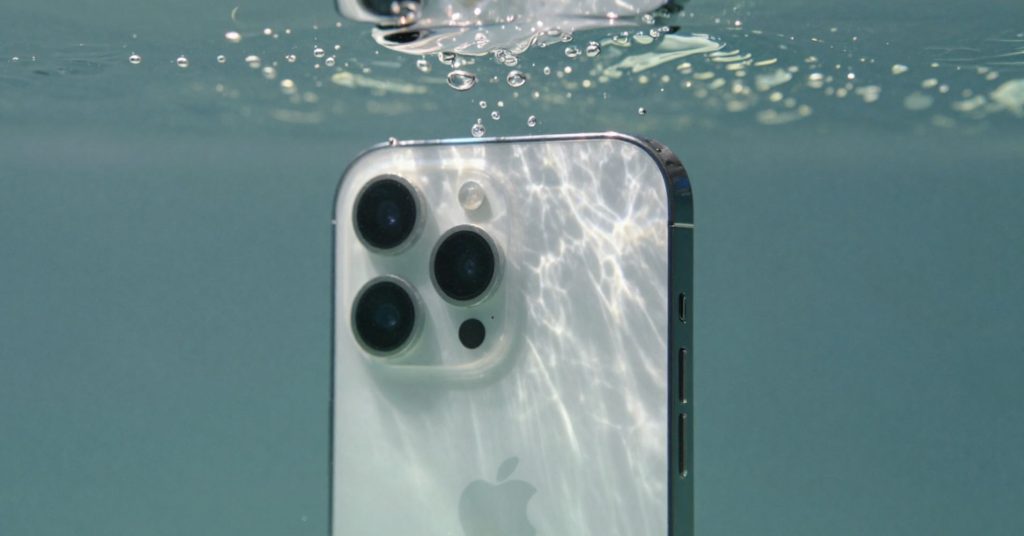
What not to do with a water-damaged phone
Avoid heat, charging too soon, and myths that cause more harm than help.
It’s tempting to rush, but don’t try charging while damp. Heat from hair dryers or ovens can warp seals and worsen water damage. Skipping patience leads to data loss and voided manufacturer’s warranty claims. Also, don’t submerge again to “rinse” unless advised by a technician.
The classic phone in rice idea persists, but it’s unreliable. Rice dust can clog ports and doesn’t absorb moisture efficiently. Skip the rice and avoid sealing a damp device without desiccants; trapped moisture lingers. For expert advice, you can always reach out via our contact us page.
Common mistakes
- Using heat
- Charging early
- Shaking vigorously
- Relying on phone without rice myths
How long should I wait before charging?
Wait until the device is completely dry, often 24-48 hours depending on exposure.

Using silica gel instead of rice
Desiccants draw moisture out more effectively than grains.
If you have silica gel at home, place the device in a sealable bag with silica gel packets or gel packets. Try silica gel packets because they absorb humidity from the air around the device. Make sure the phone without power rests flat; place your phone so ports are exposed to circulating air inside the bag.
Leave it for least 24 hours as part of the drying process. This helps reduce residual moisture that causes long-term issues. You’re aiming for a state where the device is completely dry before powering on.
Why desiccants work
- Actively absorb moisture
- No dust in ports
- Safer than heat
Is rice ever okay?
In emergencies only, but desiccants are safer and faster.
When to seek professional phone repair
Persistent issues mean it’s time for expert help.
If the phone turns back on but audio is muffled, buttons stick, or alerts persist, book phone repair. Technicians can inspect internal components and address corrosion. This is especially important if the device was completely submerged or if whether you dropped it in salt or chlorinated water is unclear. You can book directly through our Book Online page.
At Phone Expert, assessments focus on preventing delayed damage and helping you save your phone. Early checks reduce the risk of repeat failures and protect your investment.
Signs you need help
- No sound from speaker
- Charging errors continue
- Fog under the screen
- Random shutdowns
Will this affect my warranty?
Liquid exposure can impact a manufacturer’s warranty; a professional report helps clarify options.
How to judge if you need this now or later
Act now if moisture is visible or alerts appear; wait only when drying is complete.
If the phone got splashed lightly, careful drying may be enough. For deeper exposure like phone in water, act immediately and don’t delay checks.
When this may not be the right fit
If corrosion has already set in, DIY steps won’t reverse it.
In those cases, professional repair is the safer path.
Protect your phone next time
Prevention reduces repeat incidents.
Use a quality phone case, keep ports clean, and avoid risky environments. These habits protect your phone and extend its life.